Technology
ERP System Explained: Features, Benefits, and Implementation Checklist
U
Uzair Khan
Chief Systems Architect
February 19, 2026
3 min read
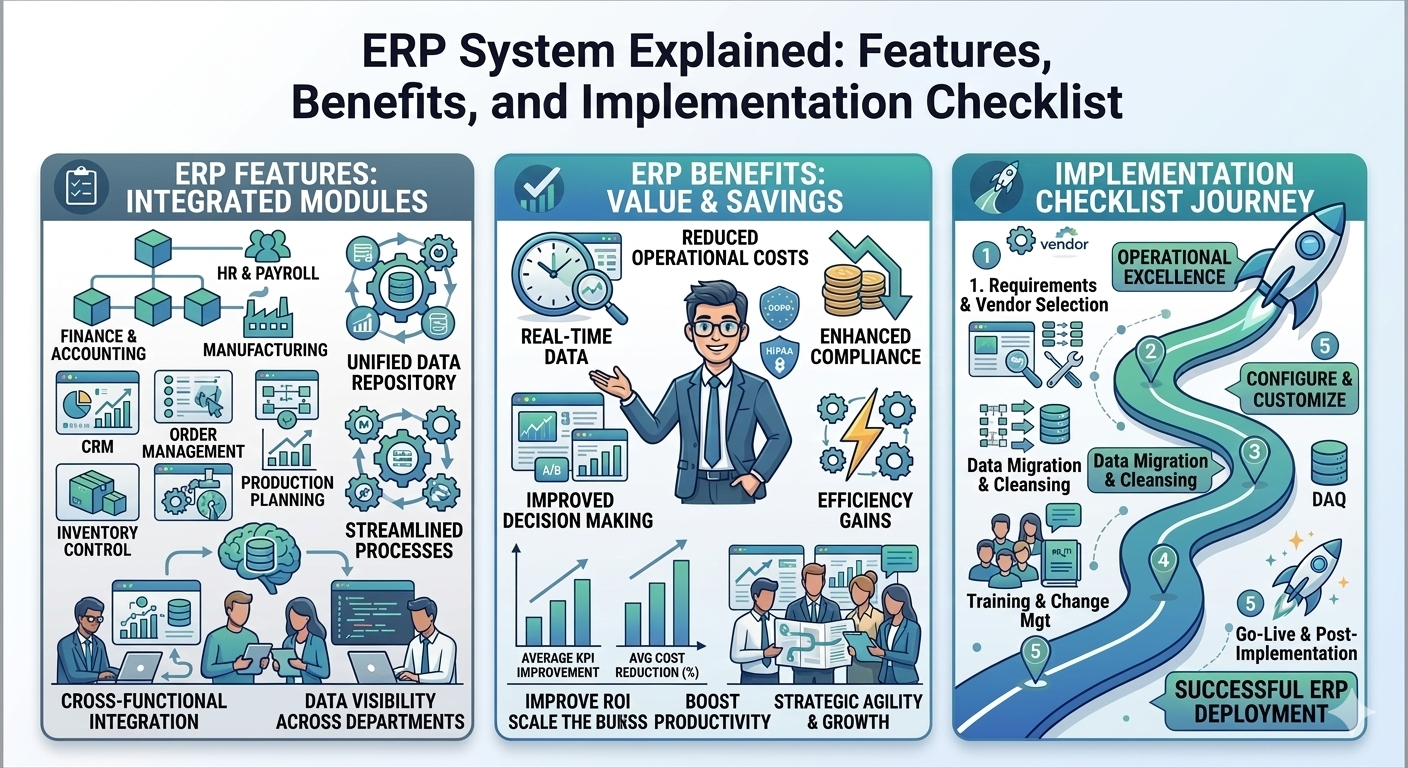
ERP System Explained: Features, Benefits, and Implementation Checklist
When a business is small, spreadsheets and separate tools can work. But as sales grow, teams expand, and transactions increase, running operations through disconnected systems becomes expensive—lost time, duplicate data, and reporting you can’t fully trust. That’s where an ERP system (Enterprise Resource Planning) becomes essential.
An ERP brings your core functions—finance, inventory, procurement, sales, HR, and reporting—under one roof, using a single source of data.
What Is an ERP System?
An ERP system is a platform that connects business processes across departments. Instead of five separate tools that don’t agree with each other, ERP creates one consistent workflow.
Typical ERP flow:
Sales order is created
Inventory is reserved and updated
Invoice is generated automatically
Finance reflects accurate receivables
Reports update in real time
Common ERP Modules
Most ERPs include (or can add) these modules:
Accounting (GL, AP, AR): journals, ledgers, financial statements
Inventory: stock, warehouses, batches/serials, valuation
Procurement: RFQ, PO, approvals, receiving
Sales & CRM: customers, pipeline, quotations, orders
HR & Payroll: employee records, attendance, payroll processing
Reporting & BI: dashboards, exports, audit trails
Benefits of ERP Software
1) One version of the truth
ERP reduces mismatch between departments because everyone works from the same data.
2) Faster operations with fewer errors
Automation replaces repetitive manual work—invoice creation, PO approvals, stock updates.
3) Better controls and accountability
With roles, approvals, and audit logs, your process becomes disciplined and trackable.
4) Cleaner reporting
Instead of “rebuilding reports,” you get real-time dashboards for finance, sales, and inventory.
Signs You’re Ready for ERP
You likely need ERP if:
Inventory numbers don’t match across systems
Invoices and payments are delayed due to manual steps
You can’t close accounts quickly each month
Approvals happen on WhatsApp and are hard to track
Reporting takes days instead of minutes
ERP Implementation Checklist (Practical and Proven)
Here’s a safe, reliable checklist:
Process mapping: document current workflows and pain points
Module selection: start with finance + sales + inventory for most businesses
Master data cleanup: customers, suppliers, items, chart of accounts
Roles & approvals: define who can create/approve/modify records
Migration plan: opening balances, stock counts, ledgers
Training: role-based training with SOPs
Go-live support: monitor issues daily for 2–4 weeks
Continuous improvement: add automation and advanced reports over time
ERP: Cloud vs On-Premise
Cloud ERPs are faster to deploy, easier to maintain, and more accessible. On-premise can be useful where strict internal hosting is required. Either way, the most important factor is process discipline and clean data.
FAQ
Q: How long does ERP implementation take?
A: A standard rollout can take 4–12 weeks depending on modules and data readiness.
Q: Should we build a custom ERP?
A: If your workflow is unique and off-the-shelf tools force too many workarounds, custom ERP can be a strong long-term investment.
Call to Action: Want an ERP tailored to your business? Explore our [ERP Development & Implementation] services.